Frontend styles in the Stylish Price List plugin offer a variety of design templates to customize the look and feel of your price lists, ensuring they match your brand’s aesthetic.
Want to see this feature in action? Live Preview
Benefits, Features & Use Cases
Benefits & Features
- Multiple Style Options: Choose from various styles to suit different needs.
- Responsive Design: Each style is optimized for both desktop and mobile devices.
- Customizable Elements: Adjust colors, fonts, and layouts to create a unique look.
Use Cases
- E-Commerce Stores: Differentiate product categories with unique styles.
- Service Providers: Create attractive service menus that are easy to navigate.
- Restaurants: Design appealing digital menus that enhance the dining experience.
What It Looks Like
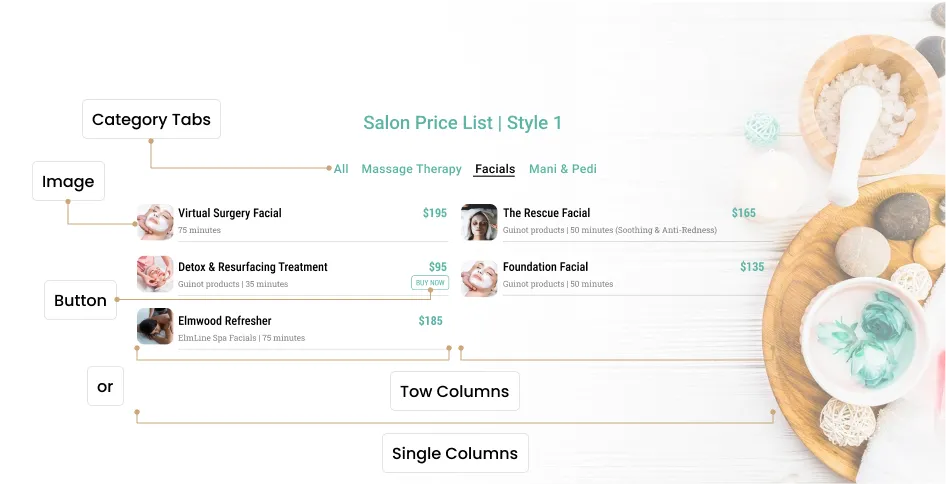
Style #1 (Support images)
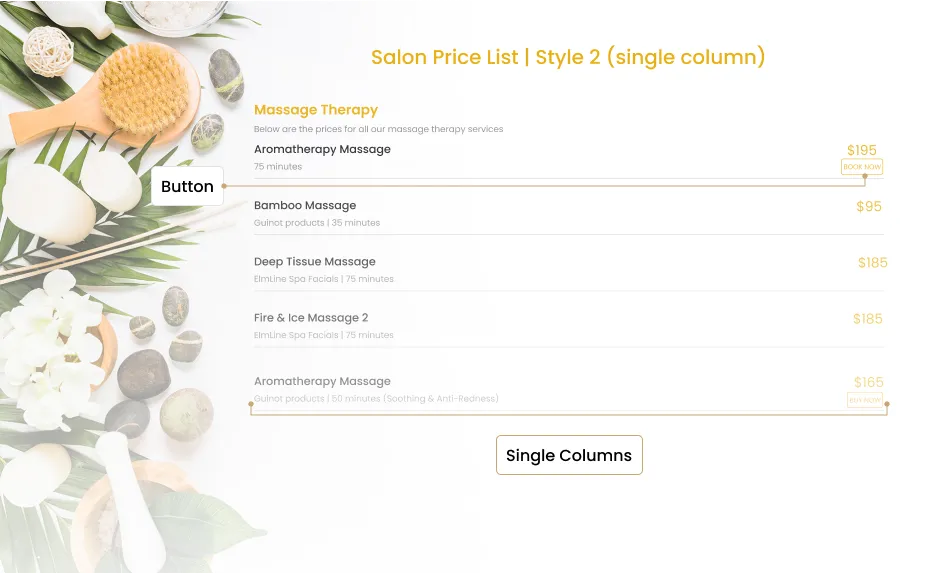
Style #2
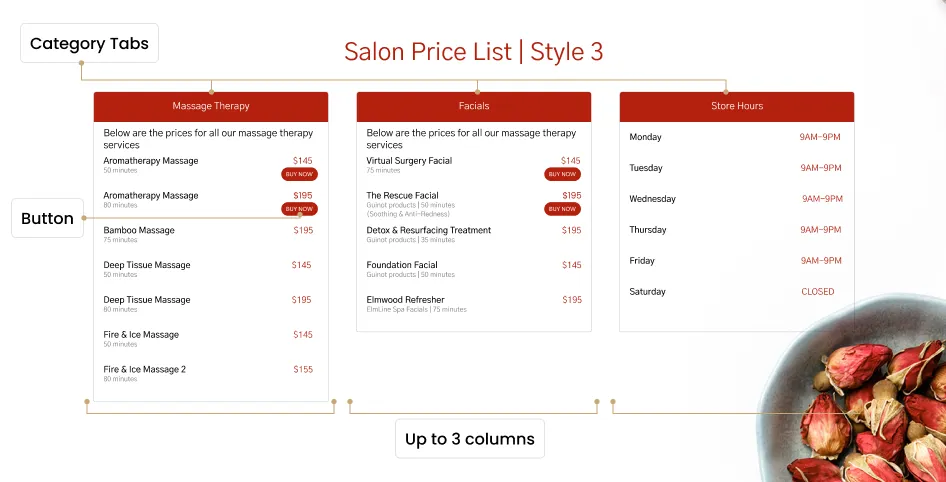
Style #3
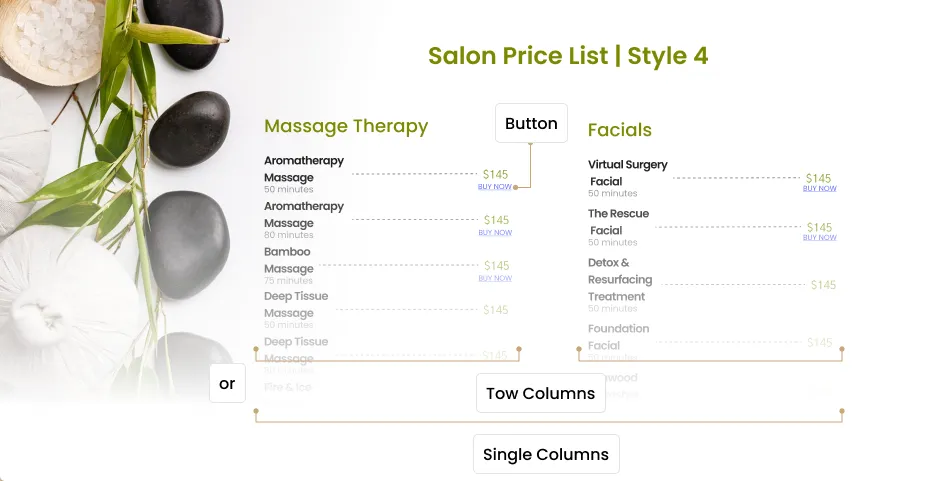
Style #4
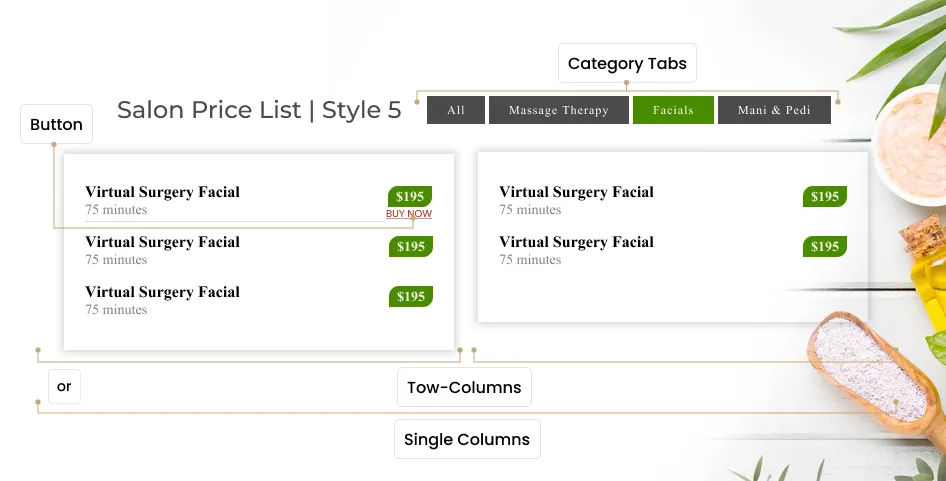
Style #5
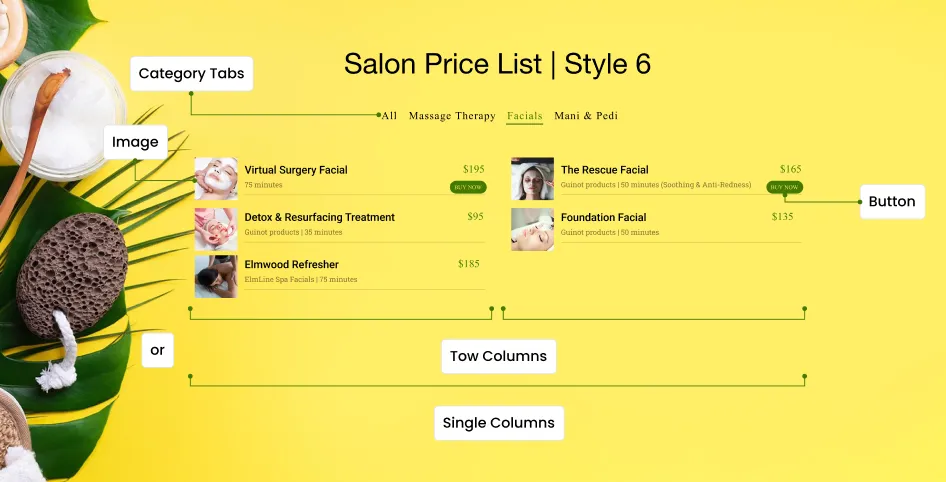
Style #6 (Support images)
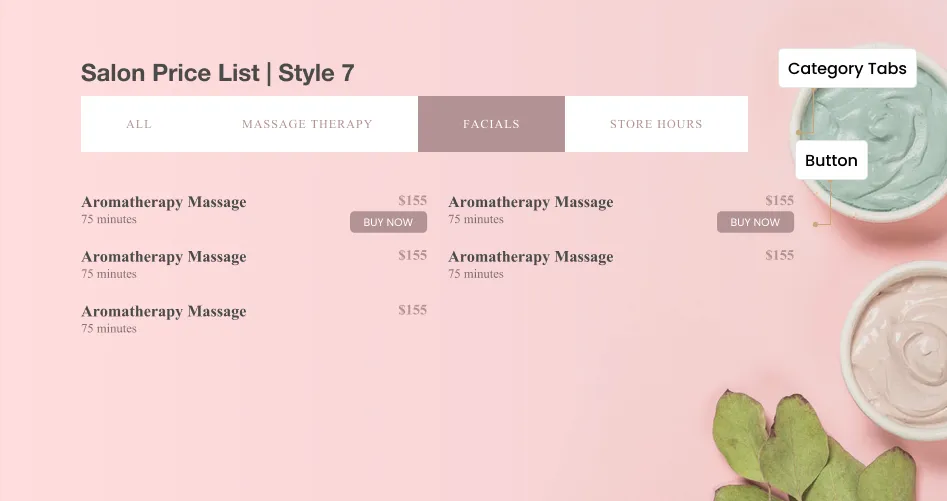
Style #7
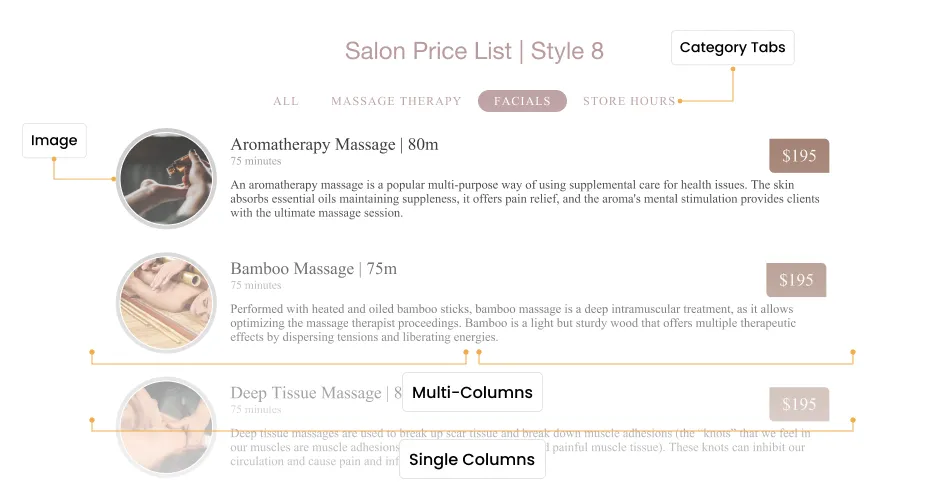
Style #8 (Support images)
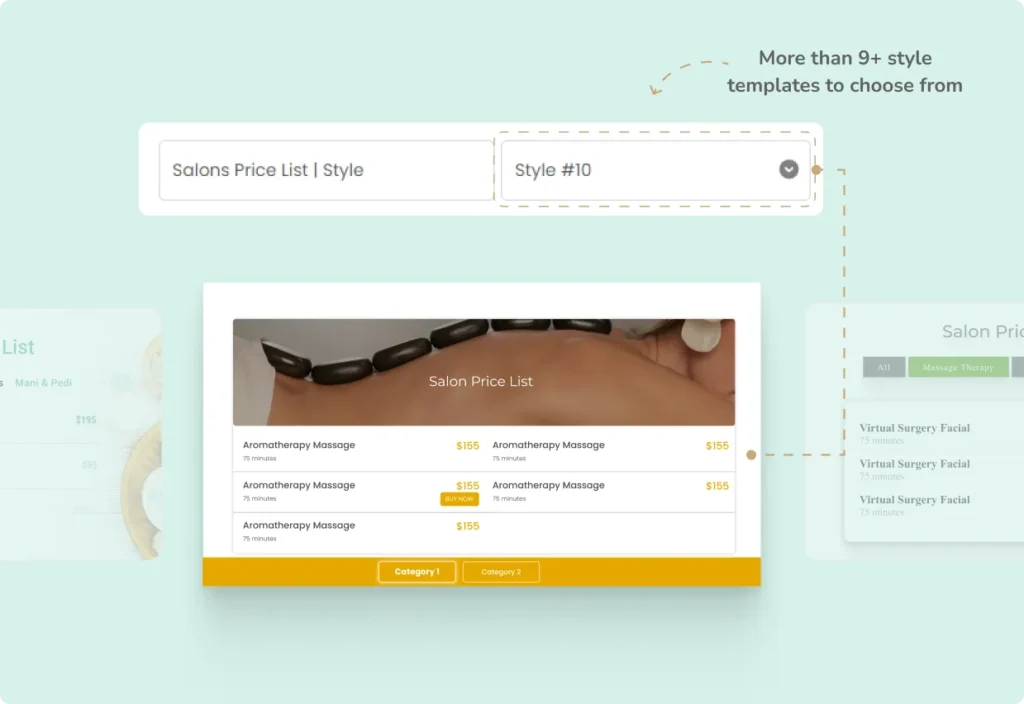
Style #10 (Sticky Category bar)
How to Activate & Use This Feature
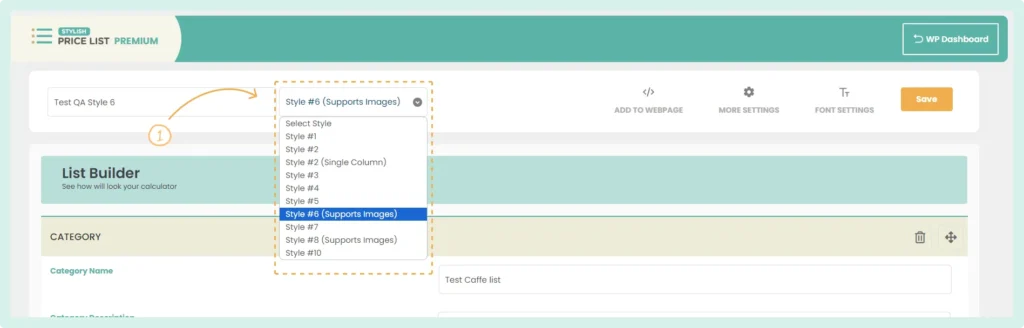
1. Select the Style
- Click on the dropdown menu next to your price list name.
- Choose one of the available styles (e.g., Style #1, Style #5, Style #6, Style #7, Style #8, or Style #10).
2. Customize the Style
Adjust colors, fonts, and other settings to match your brand’s aesthetic.
3. Save Changes
Click “Save” to apply the changes.