
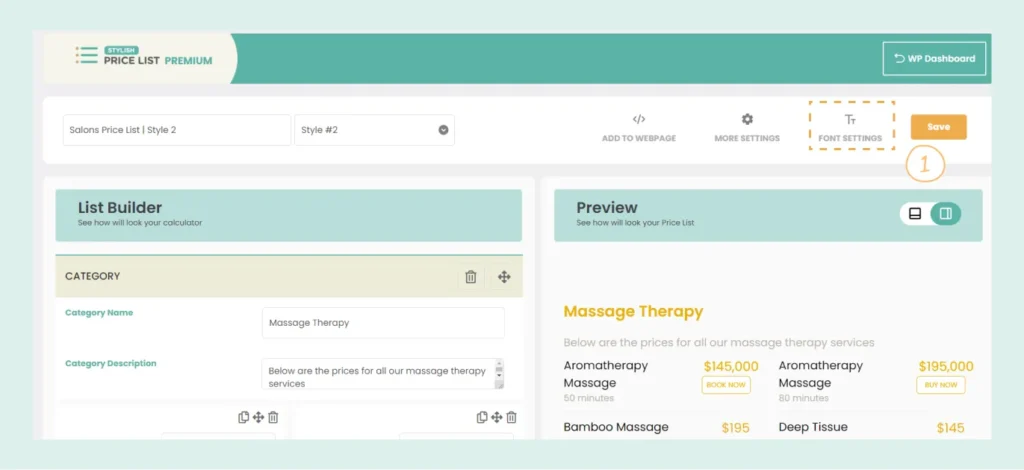
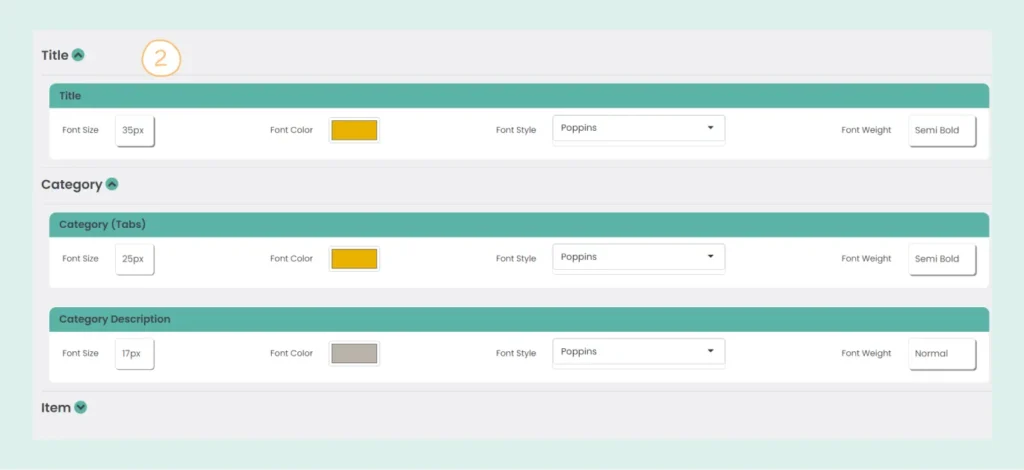
You can easily customize the appearance of your titles and descriptions in the Stylish Price List plugin. Follow these steps:
After making your customizations, don’t forget to click “Save” to apply the changes. This will enhance the visual appeal of your price list, making it more engaging for your users.
Create professional price lists, restaurant menus, and service catalogs in minutes. Drag & drop builder, mobile-friendly, QR code ready. Trusted by spas, salons, restaurants, and 2,500+ businesses worldwide.